
Crunchbase profiles are organized into the following profile types:
- Company
- Person
- Investment Firm
- Individual Investor
- School
- Event
A profile may have more than one profile type. In order to associate a company with an investment, the company profile must also be marked as an “Investment Firm”.
A company profile noted as an “Investment Firm” also allows individual investors to be associated as a Partner. Learn how to update a person profile to "Individual Investor" here!
To update a profile type:
Click Actions in the top right corner of the profile page, then select Edit from the dropdown menu.
In this example, we'll be updating a company profile type by adding Investment Firm.
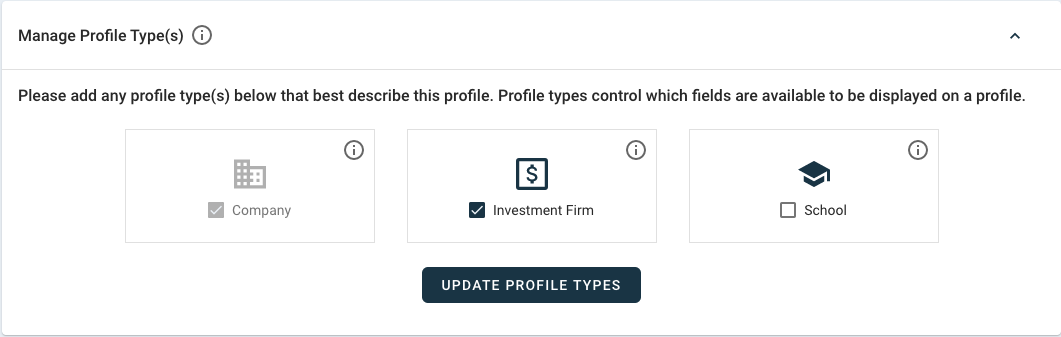
Once in the edit screen, click the dropdown arrow next to Manage Profile Type(s) at the top of the Overview section.

Then check the box for Investment Firm and click Update Profile Type.
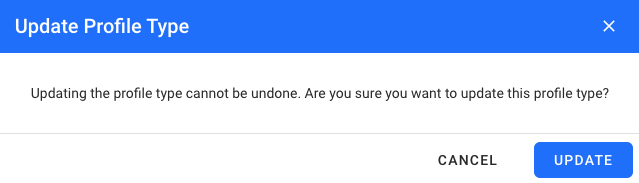
To confirm the change, select Update.
After you confirmed, you can begin to associate the company to closed funding rounds or add funds raised.
Once finished, be sure to save your edits at the top right corner of the screen.